01
Make something
Drawing is ready when the editor opens. Add movable text, an emoji, a photo, a background color, or keep it as a quick sketch.
 With Doodles
Draw with your finger or S Pen, add text, an emoji or a photo, then send it to one person’s private Android widget. They can open it and draw something back.
Free beta · No ads · Android 8.0 or later
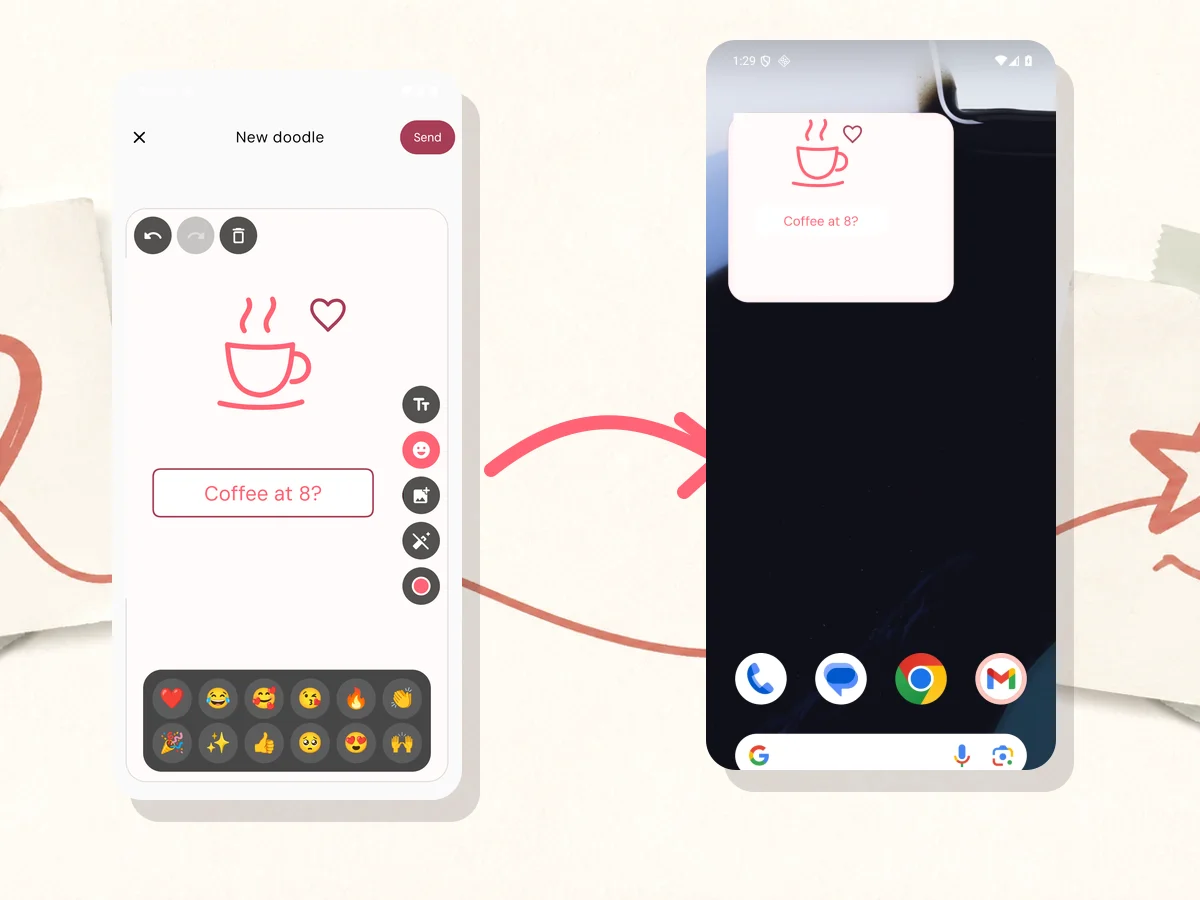
Open the widget, draw something, add a few words, and send it. The finished doodle appears on the home screen.
Download for Android01
Drawing is ready when the editor opens. Add movable text, an emoji, a photo, a background color, or keep it as a quick sketch.
02
The latest doodle goes to one shared space and replaces the previous one on their widget. Your other spaces stay separate.
03
They can tap the widget or the latest doodle, draw over what you sent, or clear the canvas for a fresh reply.
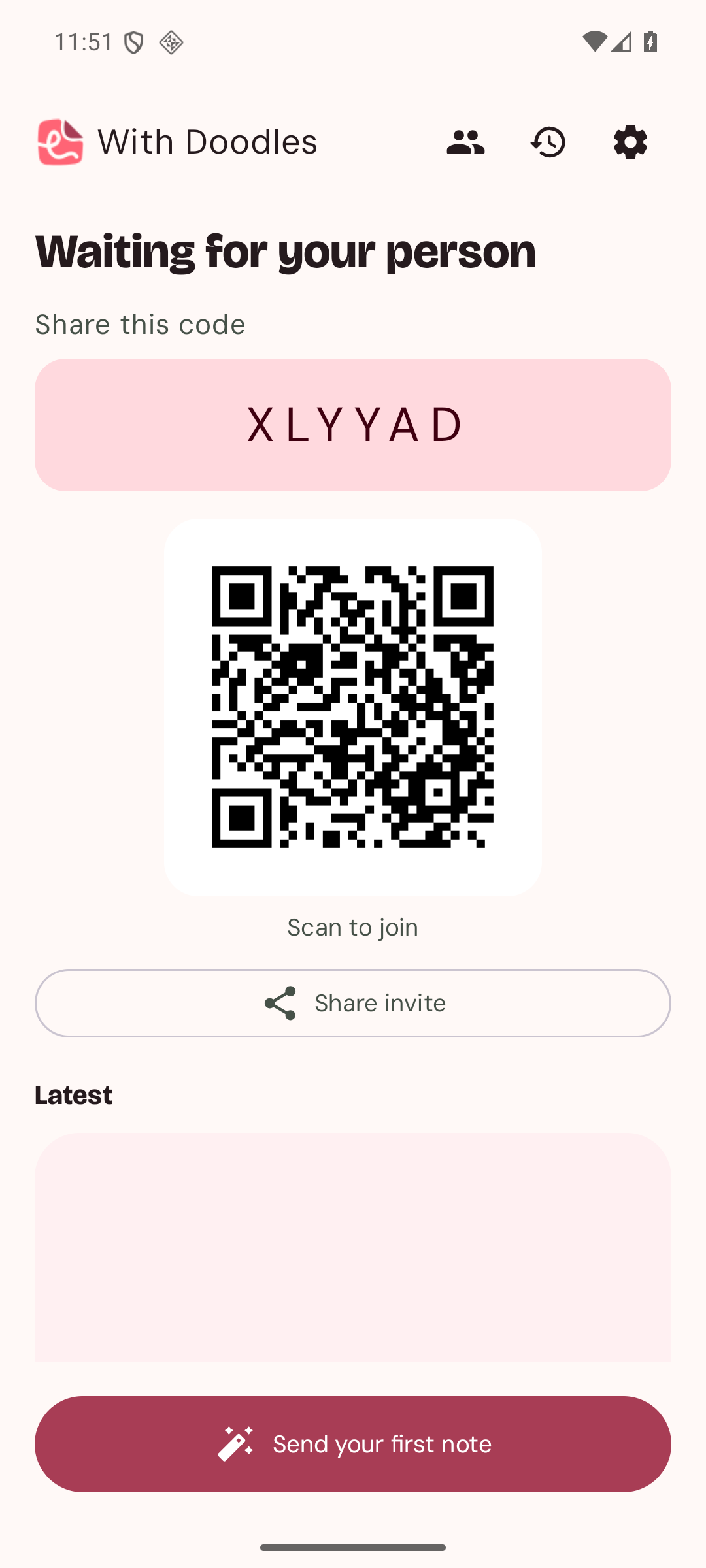
Create a space, give it a name you recognize, then share a one-time invite link or QR code. Each space keeps its own doodles, history, and delivery setting.
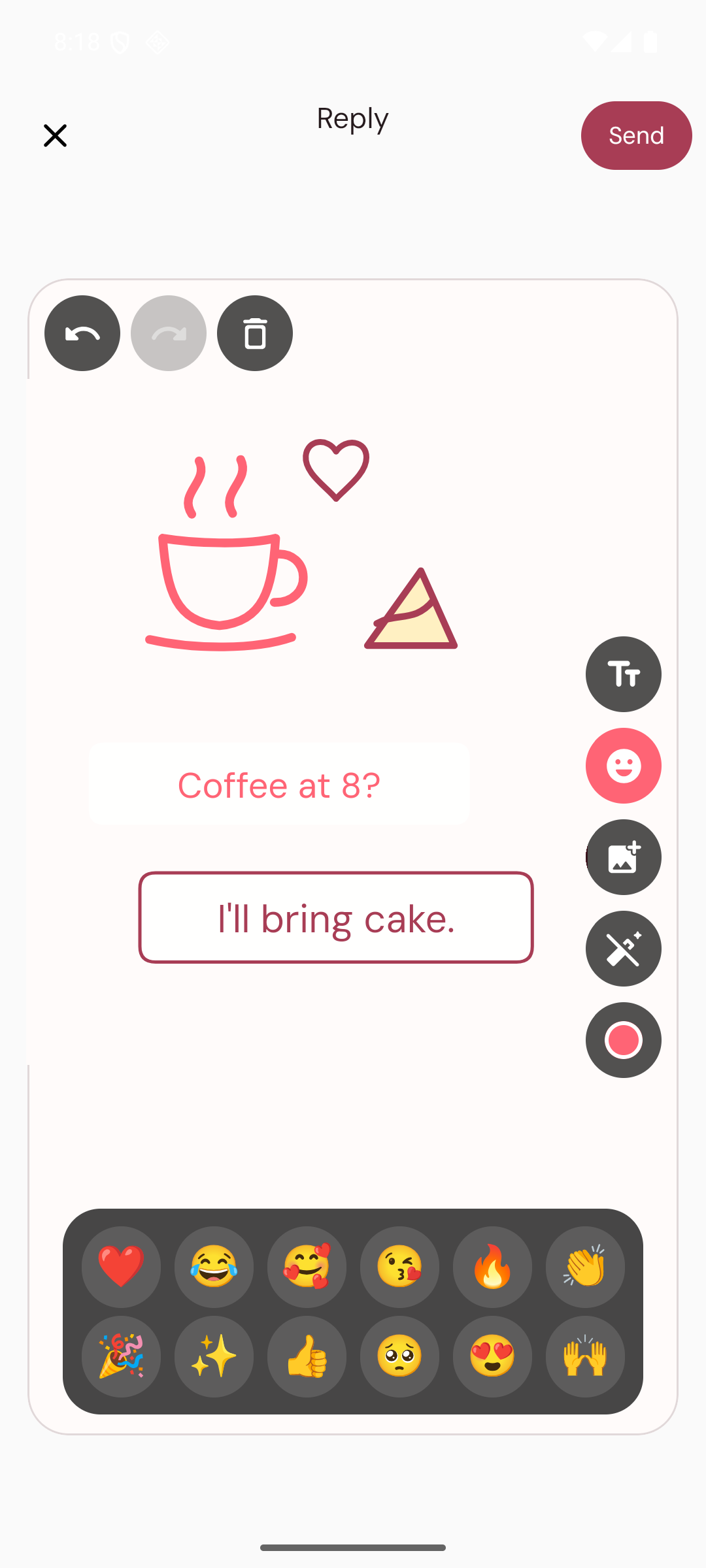
Their doodle becomes your starting point. Draw over it, add movable text, an emoji or a photo, then send the reply back to their widget.
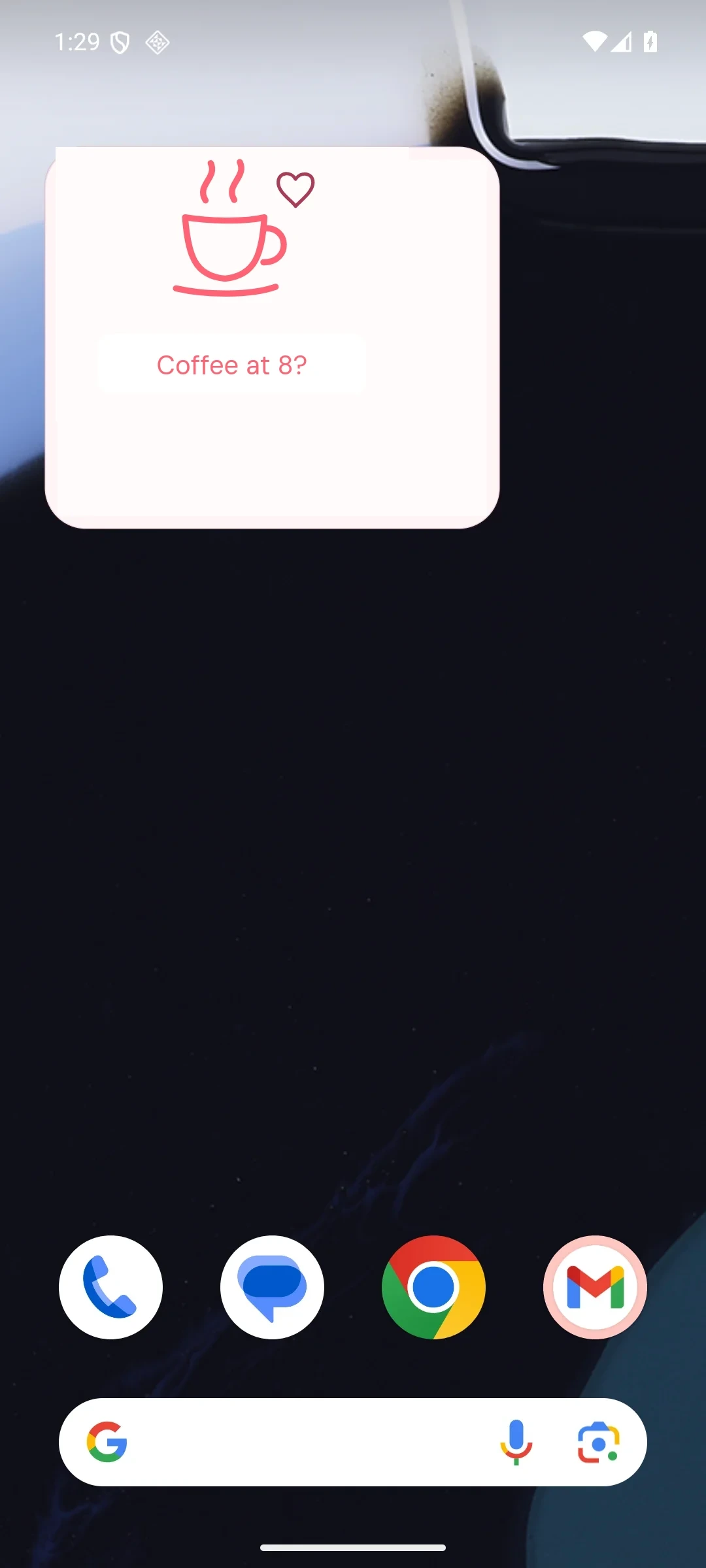
The resizable widget shows what they sent without opening the app. Tap it to open the doodle, mark it read when receipts are on, and reply.
No. Pair with a partner, friend, sibling, or someone you want to keep in touch with. Each private space is for two people.
The Android beta is free, with no ads or in-app purchases. It is available as a direct APK download while we prepare for Google Play.
Yes. Install With Doodles on both Android phones, then connect your private two-person space by scanning its QR code or entering the six-character invite code.
The app updates live while open. Private push notifications request an immediate widget refresh in the background, although Android can still delay work because of battery or network restrictions.
Your paired person can see your drawings, name, and delivery status. Access is restricted to your shared space, but the app does not provide end-to-end encryption. You can delete your account and drawings from Profile & account. Read the privacy policy.
Install With Doodles on both Android phones, connect a private space, and put something on their home screen.
Download for AndroidFree beta · No ads · Android 8.0 or later